Houston-Based. Nationwide Service.
You can convert an AI-generated logo to vector by automatic tracing or by manual reconstruction. Tracing is quick but keeps the AI’s flaws; manual reconstruction redraws the logo cleanly, corrects lettering and produces editable files.
Who this guide helps: Owners who like their AI logo concept but need files for printing, signs or a website.
Download the highest resolution your tool offers. Upscaled copies can help a designer see detail but are not vector files.
List spelling corrections, colors and parts you want simplified. Fixing these during reconstruction is easier than after.
Try auto-tracing only for very simple, high-contrast shapes. For text, symmetry and production use, choose manual reconstruction.

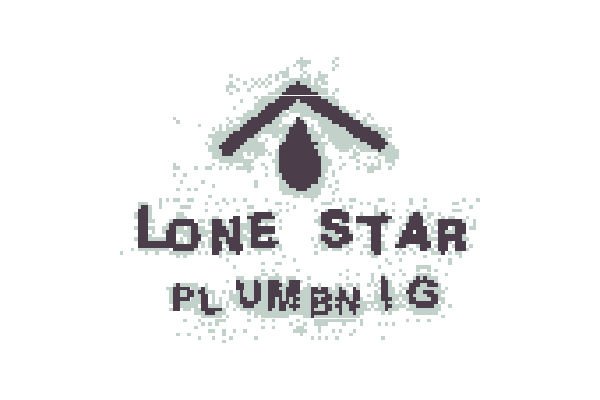

The automatic trace above was produced by a simple tracing algorithm run on the low-resolution image, so the comparison is genuine. Commercial tracing tools produce smoother curves than this, but they share the same limitation: they copy what is in the pixels, including mistakes. Illustrative demonstration using a fictional business.